What Is a Discord Birthday Countdown?
A Discord birthday countdown is a self-updating date and timer snippet built from Discord's native Long Date (:D) and Relative Time (:R) timestamp codes:
Birthday countdown: <t:1798761600:D> (<t:1798761600:R>)
Pasted inside your About Me profile bio or pinned in a server lounge, a Discord birthday countdown automatically scales from "in 5 months" to "in 12 days", "in 6 hours", and live ticking seconds with zero bots and zero manual edits. Because Discord's desktop @time shortcut does not operate inside profile bios, using a dedicated Discord birthday countdown generator with an exact 190-character counter is the fastest way to format clean profile milestones.
How to Make a Discord Birthday Countdown in 4 Steps
Set up a live personal birthday, server anniversary, or milestone countdown in under ten seconds.
1. Choose Your Time Zone and Upcoming Birthday Date
The builder above opens directly in Birthday Countdown mode. Select your geographical IANA timezone and pick your next birthday, server founding anniversary, or target holiday on the date input.
2. Edit the Bio Label and Preview in Dark Mode
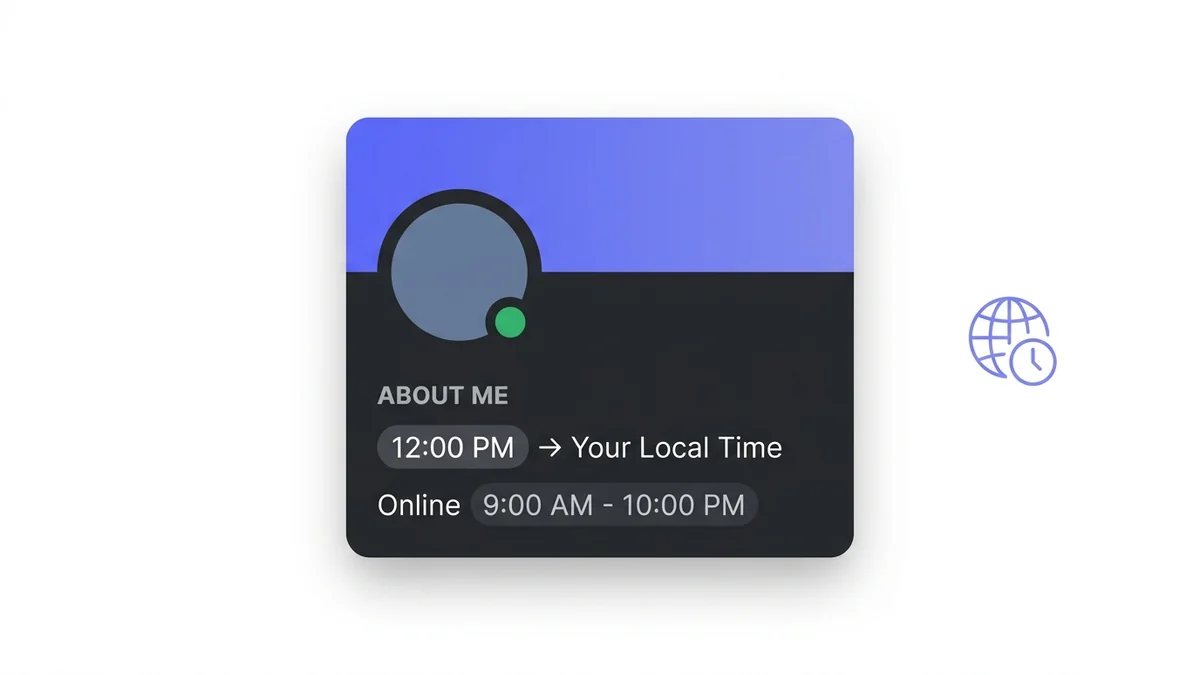
Type directly inside the Editable Bio Markdown textarea to customize wording, swap icons, or add a second line (such as your local timezone offset). Every change renders live inside the dark About Me preview card above the textarea.
3. Verify Your Exact 190-Character Raw Markdown Quota
Watch the raw character counter (X / 190 raw chars) and green meter bar. Keeping your bio safely under 190 raw characters prevents Discord from slicing off the closing > bracket and breaking your Discord birthday countdown when you save.
4. Copy and Save in Discord Profile Settings
Click Copy Discord Bio Code. On desktop, open User Settings -> Profiles -> User Profile -> About Me, paste, and click Save Changes. On iPhone or Android, open Profile -> Edit Profile -> About Me, paste, and tap Save.
Discord Birthday Countdown Builder Features
Pre-Configured Birthday and Anniversary Mode
Opens straight on the Birthday Countdown preset with paired <t:UNIX:D> and <t:UNIX:R> tags already assembled, eliminating manual syntax errors.
Live Editable Profile Preview With Exact 190-Character Tracking
Counts every hidden character inside <t:1798761600:D> (16 raw characters) and <t:1798761600:R> (16 raw characters) so you know the exact remaining room for pronouns, server links, or hobbies.
One-Click Combination With Bio Timezone Offset Cards
Need both your daily timezone and your Discord birthday countdown in one tidy bio? Copy a single-line offset from our Bio Timezone Card preset (~46 chars) and stack your countdown (~55 chars) right beneath it while staying around 102/190 characters.
Direct Bridge From Discord Server IDs to Founding Anniversaries
Server owners can decode their exact community creation date in our Snowflake ID Decoder, then plug the next anniversary date into this page to celebrate server milestones live.
Ready-to-Copy Discord Birthday Countdown Templates
Mix and match these compact, character-efficient layouts inside the editable box above:
| Milestone Style | Example Markdown | Approx. Raw Chars | Best Surface |
|---|---|---|---|
| Clean Birthday Bio | Birthday: <t:UNIX:D> (<t:UNIX:R>) |
~47 chars | Personal About Me bio |
| Bio + Timezone Combo | 12:00 PM = <t:NOON:t> / Bday: <t:BDAY:R> |
~66 chars | International friend profiles |
| Server Founding + Next Anniversary | `Founded <t:START:D> (<t:START:R>) | Next anniversary <t:NEXT:R>` | ~95 chars |
| Creator Debut / Subathon | Birthday stream goes live <t:UNIX:F> (<t:UNIX:R>)! |
~70 chars | #announcements post |
| Graduation / Trip / Season Drop | Countdown to launch: <t:UNIX:D> (<t:UNIX:R>) |
~58 chars | Group DMs and friend servers |
Discord Birthday Countdown Use Cases
Discord Birthday Countdown for Personal About Me Profiles
Members add a fun, low-clutter Discord birthday countdown so online friends across different time zones remember the date without needing calendar reminders.
Discord Birthday Countdown for Streamer and VTuber Birthday Streams
Content creators pin a birthday-stream countdown (:F + :R) in #announcements and their About Me bio so global fans never miss special merch drops or subathons.
Discord Birthday Countdown for Server Founding Anniversaries
Moderators track "1 year", "3 years", or "5 years" community anniversaries in #announcements using the server's exact creation date decoded from its Snowflake ID.
Discord Birthday Countdown for Holidays, Graduations, and Group Trips
Friend groups pin shared countdowns to conventions, gaming LANs, summer breaks, or New Year's Eve inside group chats and threads.
Who Uses a Discord Birthday Countdown Generator?
Everyday Discord Users and Friend Groups
Members customizing their About Me profiles with clean dynamic badges use a Discord birthday countdown to track upcoming milestones effortlessly.
Content Creators and Community Managers
Streamers and server owners build hype around annual birthday marathons, partner anniversaries, and community celebration giveaways.
Server Staff Running Birthday Channels
Admins who maintain #birthdays rosters post clean :D and :R tags so everyone can glance at upcoming member celebrations automatically.
Why Choose Our Discord Birthday Countdown Builder?
Generic countdown websites only give you a raw :R tag without showing how it looks inside a Discord profile card or warning you when two <t:...> tags quietly cross Discord's 190-character About Me limit. Our Discord birthday countdown tool gives you an editable live profile mockup, raw character metering, and one-click copy with zero ads.
Tips for Date-Only Milestones on Discord
- Anchor date-only birthdays near midday rather than midnight: Setting a birthday to
12:00 AMlocal time causes friends living west of you to see the previous day on<t:UNIX:D>. Anchoring near12:00 PMnoon keeps the printed calendar date right across almost every continent. - Avoid
:Fwhen exact start time does not matter: Use:D(Long Date) +:R(Relative Countdown) for all-day birthdays, and switch to:F+:Ronly when announcing a specific birthday party or livestream hour (see All 9 Formats). - Refresh once a year: After your birthday flips to
"1 day ago", return here for five seconds to advance the year by +1.
